
Need Help with Lino?
Find answers, get support, or reach out to us. We're here to help.
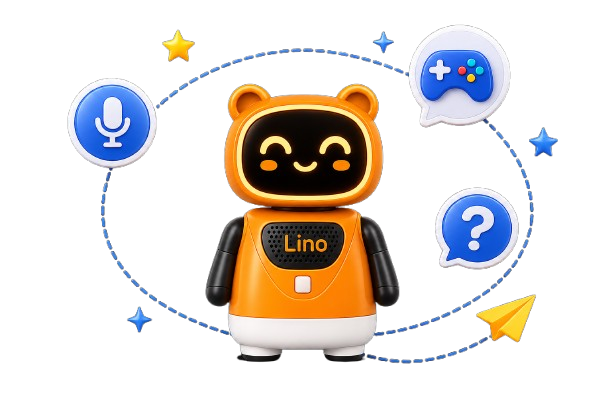
Getting started with Lino is simple: Power on Lino and connect it to a secure Wi-Fi network using the Lino Parent App. Create your child's profile by entering details such as age, preferred language, and interests. This helps Lino personalize conversations, stories, games, and learning activities. Start interacting! Your child can talk naturally with Lino, ask questions, listen to stories, play educational games, sing songs, and enjoy age-appropriate activities. Lino learns and adapts over time by understanding your child's preferences and learning pace, making each interaction more personalized. Parents stay in control through the Lino Parent App, where they can manage settings, monitor usage, update preferences, and review their child's learning journey. Lino combines AI, engaging content, and parental controls to create a safe, interactive, and personalized learning experience designed specifically for children aged 2–6 years.






Common Questions
Find quick answers to the most common questions about Lino.






Get in Touch
We're here to help! Reach out to us through any of the following ways.



Email Us
Drop us an email anytime.
 support@linobud.com
Call Us
Our contact number will be available soon.
 Coming Soon

Visit Us
Soon available in your nearest stores.
Nearest Stores